
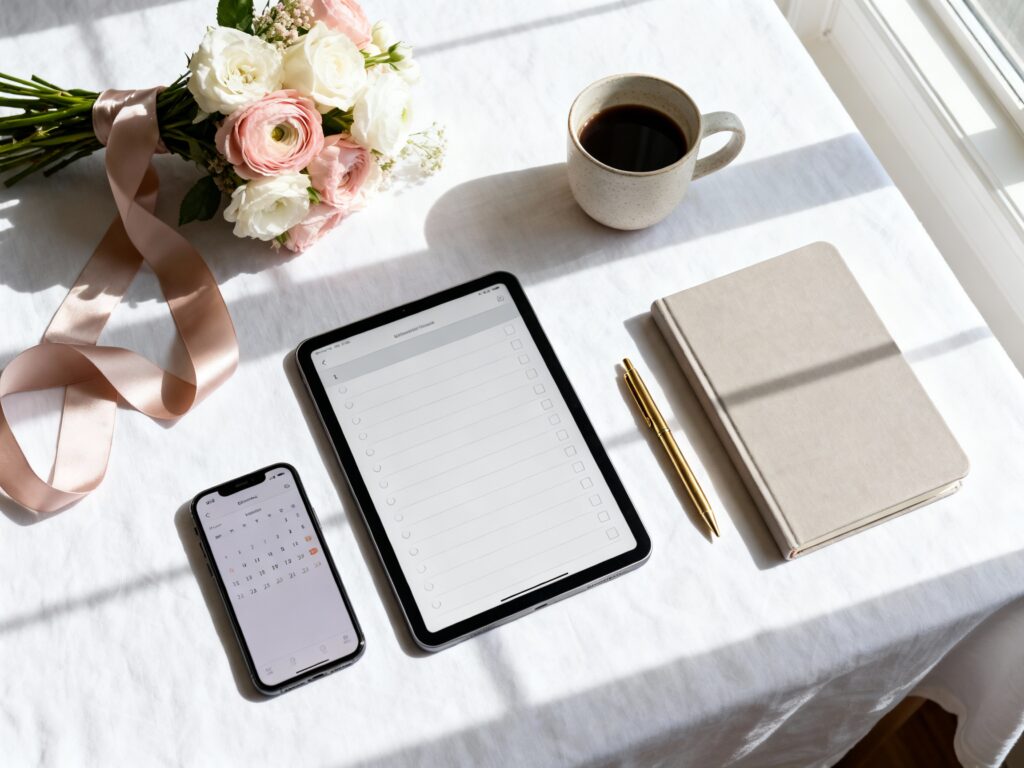
Wedding planning is basically a part-time job with a cute mood board. The good news: the right checklist apps and tools can turn your chaos into a clear, calm plan you can actually stick to.
Below are five favorites that help you track tasks, budget, and details—without losing the vibe.
Top 5
1) The Knot Wedding Planner

If you want an all-in-one wedding HQ, The Knot is a classic for a reason. It gives you a solid checklist, a budget tracker, and guest list tools that feel super approachable. Bonus: it’s great for couples who want structure but don’t want to overthink every step.
2) Zola Wedding Planner

Zola is a smooth option if you love having planning, guest management, and registry living in one place. The checklist is easy to customize, and tracking RSVPs feels less like a spreadsheet situation. It’s especially helpful if your wedding style is modern and streamlined (think clean fonts, simple palettes, minimal stress).
3) Google Sheets (Template-Based Checklists)
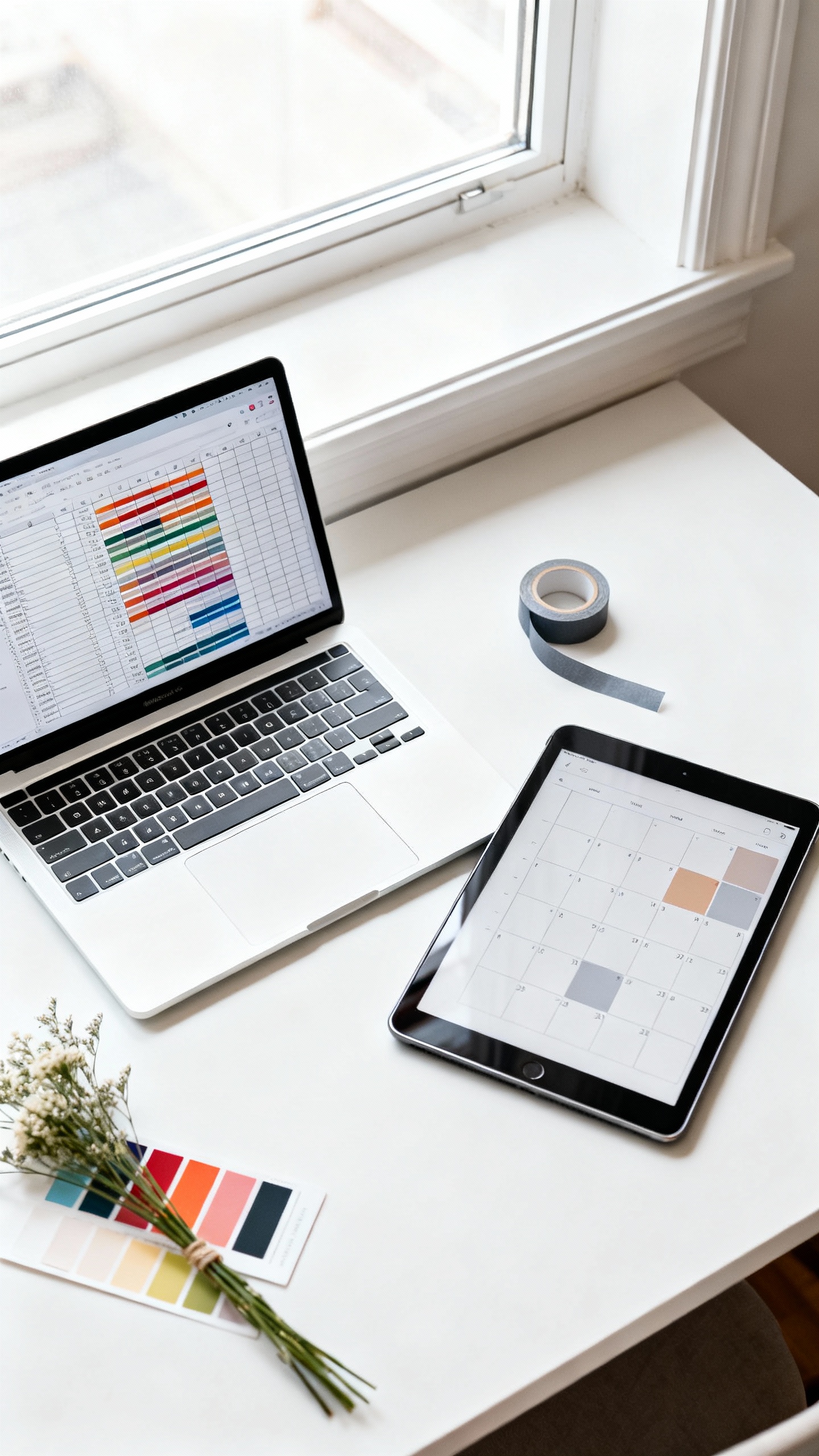
If you’re a “I need to see everything at once” person, Google Sheets is your low-key power move. Grab a wedding planning template and you can color-code deadlines, vendor payments, and decor to-dos in a way that’s very Pinterest-core. It’s also amazing for sharing with your partner, mom, or maid of honor without sending ten screenshots.
4) Trello (Boards for Tasks, Decor, and Timelines)
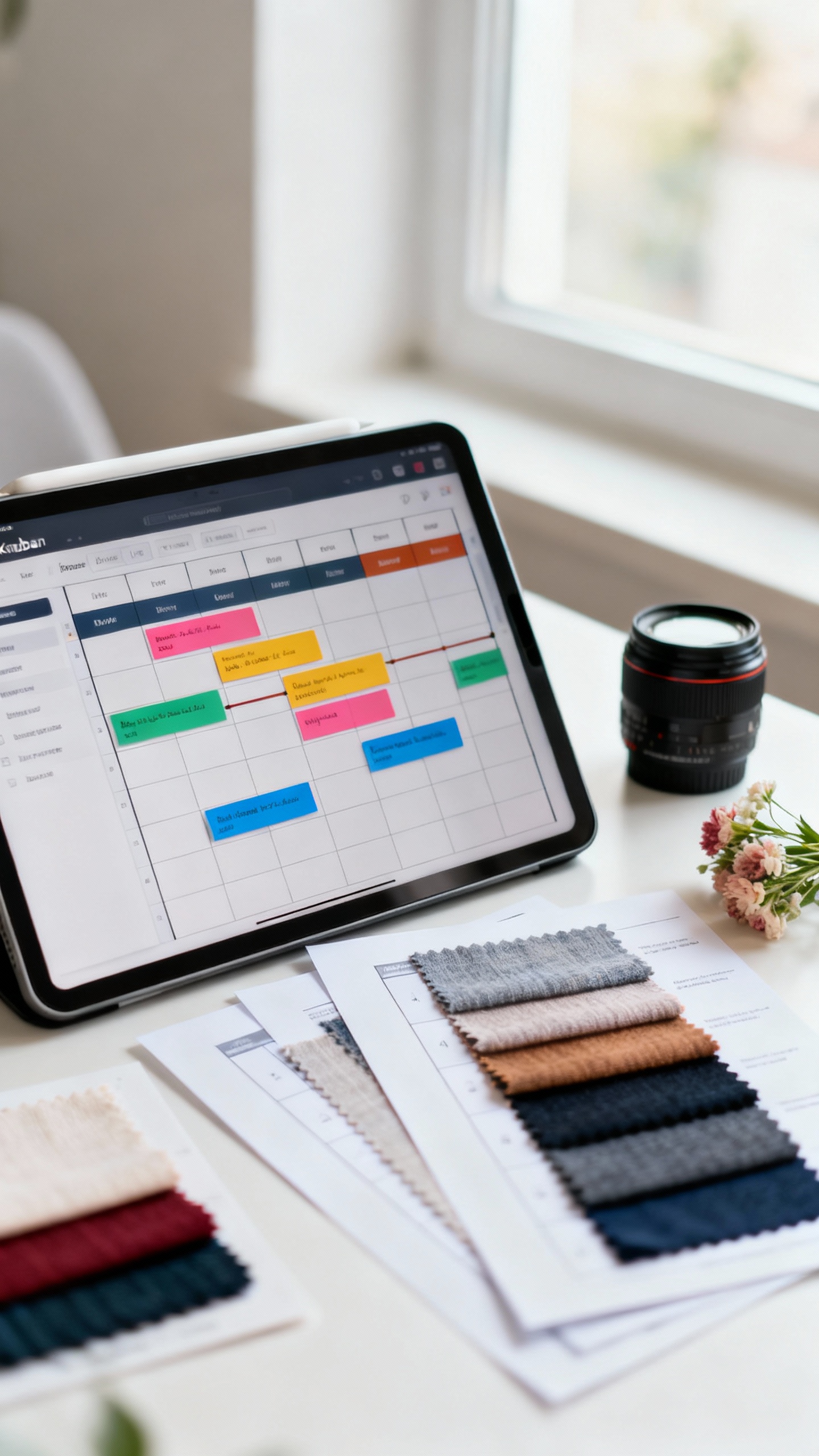
Trello is perfect for visual planners who want their checklist to feel like a vibe board meets project management. You can make lists like “Book Vendors,” “Ceremony Details,” and “Reception Styling,” then drag tasks as you finish them. It’s also great for attaching inspo links so your aesthetic stays consistent from save to setup.
5) Canva (Design + Planning Assets in One Place)
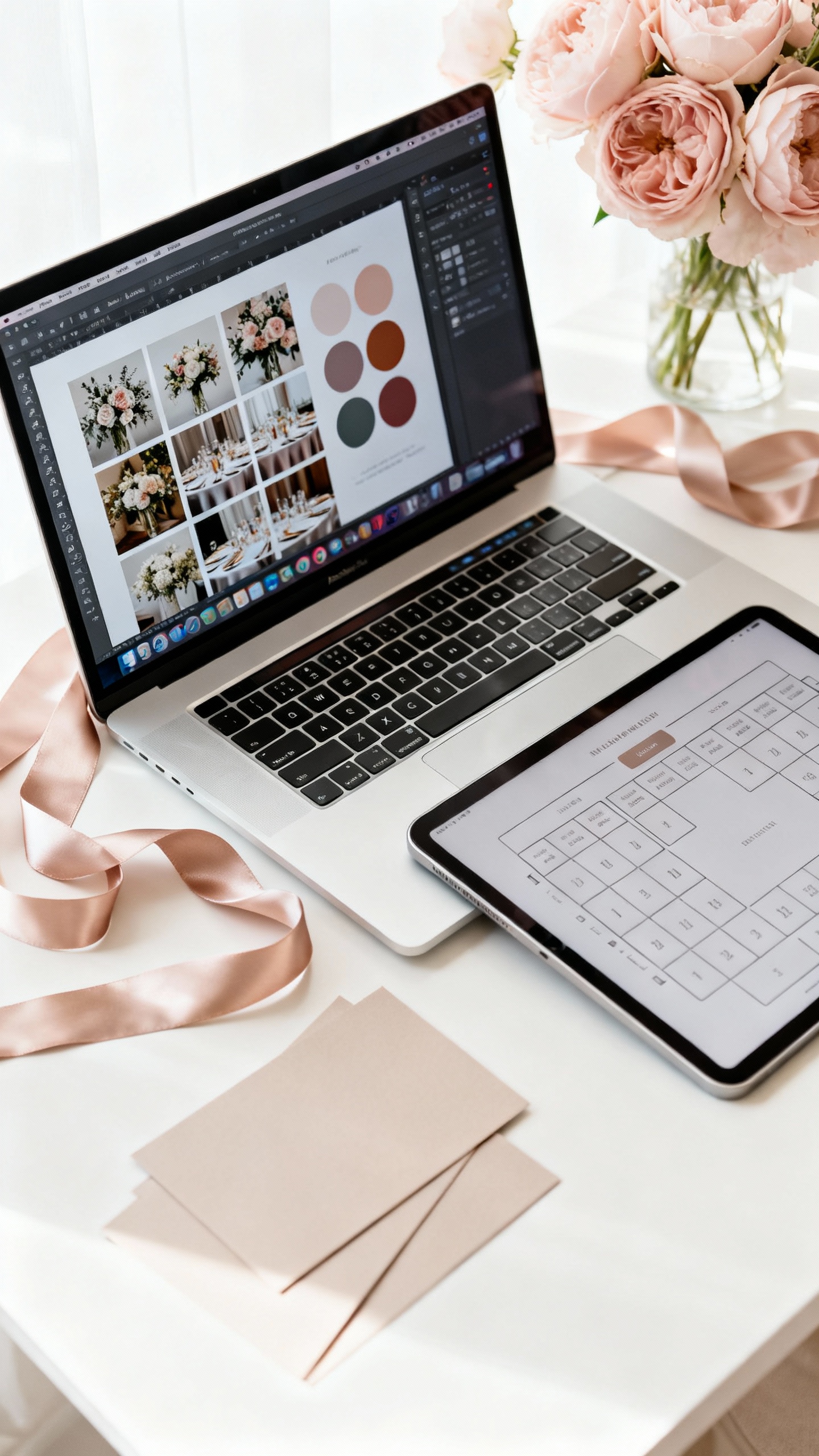
Canva isn’t a traditional checklist app, but it’s a planning tool you’ll use constantly for wedding aesthetics. Create a mood board, ceremony program draft, seating chart layout, or signage mockups so you can visualize your whole day. When your details look cohesive on-screen, it’s way easier to communicate your vision to your planner, venue, or DIY crew.
FAQ
Which wedding planning app is best for a full checklist and timeline?
If you want something that feels like a guided plan from “engaged” to “just married,” The Knot and Zola both do this well. They’re built for step-by-step checklists and keeping key details (like vendor contacts and due dates) in one spot.
What’s the easiest tool for tracking a wedding budget without stress?
Use an app budget tracker if you want it automated, but Google Sheets is unbeatable if you want full control. A template with categories like venue, florals, attire, and stationery lets you see your spend at a glance and adjust before it snowballs.
How do I keep my wedding aesthetic consistent across vendors and decor?
Create a simple mood board in Canva with your colors, textures, and a few key reference photos (bouquets, tablescape, invites). Share it with your florist, rental company, and planner so everyone is working from the same visual language.
Is it okay to use multiple tools, or should I stick to one?
It’s totally okay to mix tools—as long as each one has a clear job. A common combo is: one planning app (The Knot or Zola) for logistics, plus Trello for task flow, plus Canva for design and visuals.
What should I put on my checklist first after getting engaged?
Start with the “big three”: set your budget range, choose a guest count estimate, and lock in your date/venue. Those decisions shape everything else—your vibe, your vendors, and how your aesthetic comes to life.