

If you’re planning a wedding and your notes app is starting to look like a stress diary, this is for you. A copy-and-paste wedding budget template can instantly make everything feel doable (and way more aesthetic).
Below are five budget categories with real examples you can plug into your spreadsheet today. Use these as line items, adjust for your priorities, and you’ll have a clear money map from “engaged” to “we’re married.”
Top 5
1) Venue + Rentals (Your “Home Base” Costs)
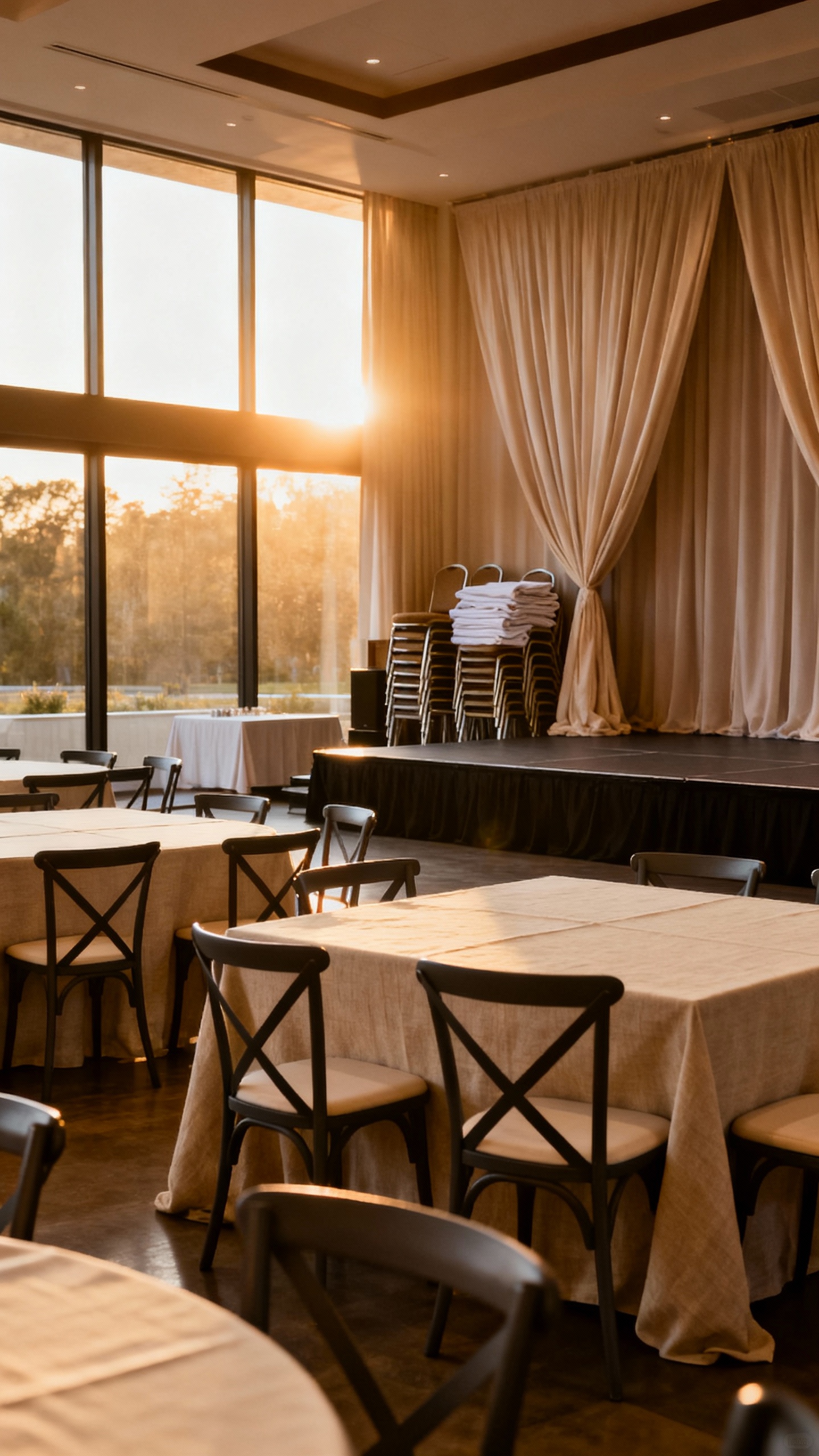
This is usually the biggest line in your budget because it sets the stage for everything else. In your template, break it out into venue fee, ceremony site fee (if separate), and required rentals. Real examples: ballroom rental, backyard tent, tables/chairs, heaters, restroom trailer, setup/teardown, and security.
2) Food + Beverage (Per-Person Spending That Adds Up Fast)

Food and drink costs scale with guest count, so this category is where small tweaks can create big savings. Add separate lines for catering, bartender, alcohol, non-alcoholic drinks, late-night snack, service fees, and gratuity. Real examples: plated dinner vs. buffet, signature cocktails, champagne toast, coffee cart, and cake cutting fees.
3) Photo + Video (How You’ll Remember the Vibe)
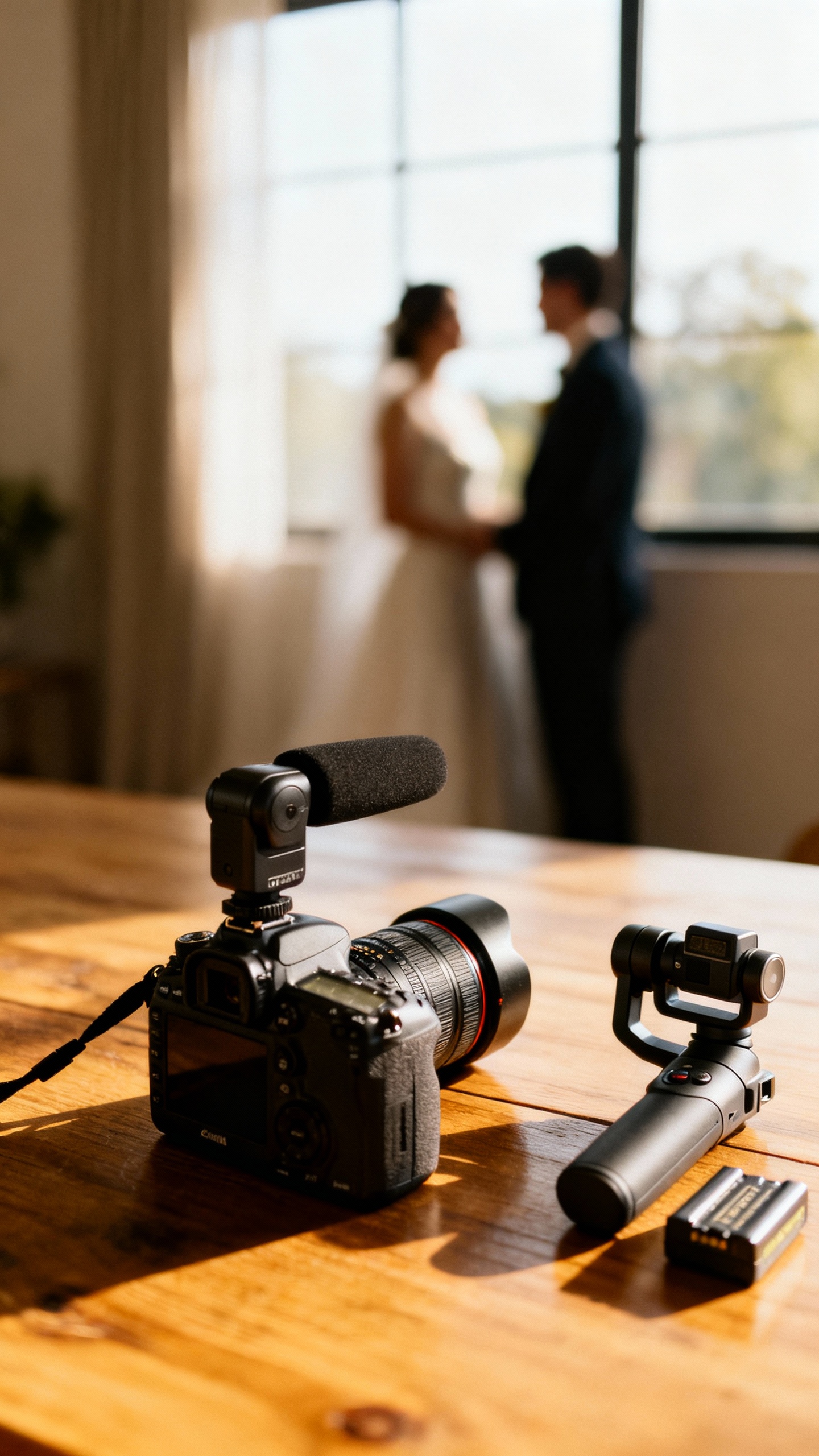
Photography and video aren’t just “services”—they’re your future memories, so budget with intention. In your template, list coverage hours, second shooter, engagement session, travel, and add-ons. Real examples: 8-hour photo package, highlight film, full ceremony edit, raw footage, film photography, and same-day polaroids for a guestbook moment.
4) Attire + Beauty (Looks for You, Partner, and the Crew)
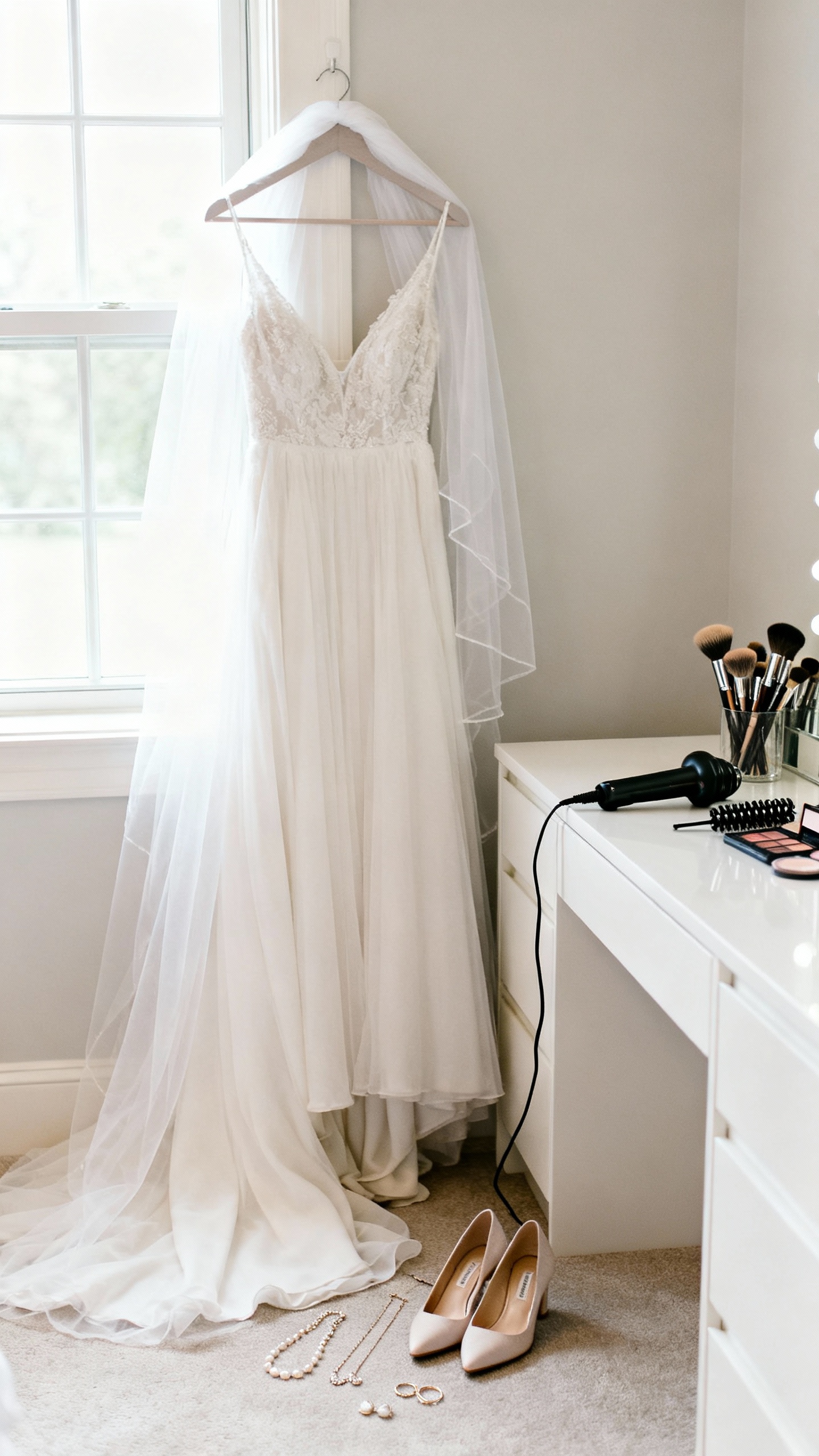
This category can be surprisingly spread out, so give it its own section instead of hiding it under “misc.” Build line items for wedding outfit(s), alterations, accessories, shoes, and hair/makeup trials. Real examples: dress + bustle, veil, suit tailoring, getting-ready pajamas, spray tan, nails, and bridesmaid hair/makeup contributions if you’re covering them.
5) Flowers + Decor (The Aesthetic Budget, Simplified)
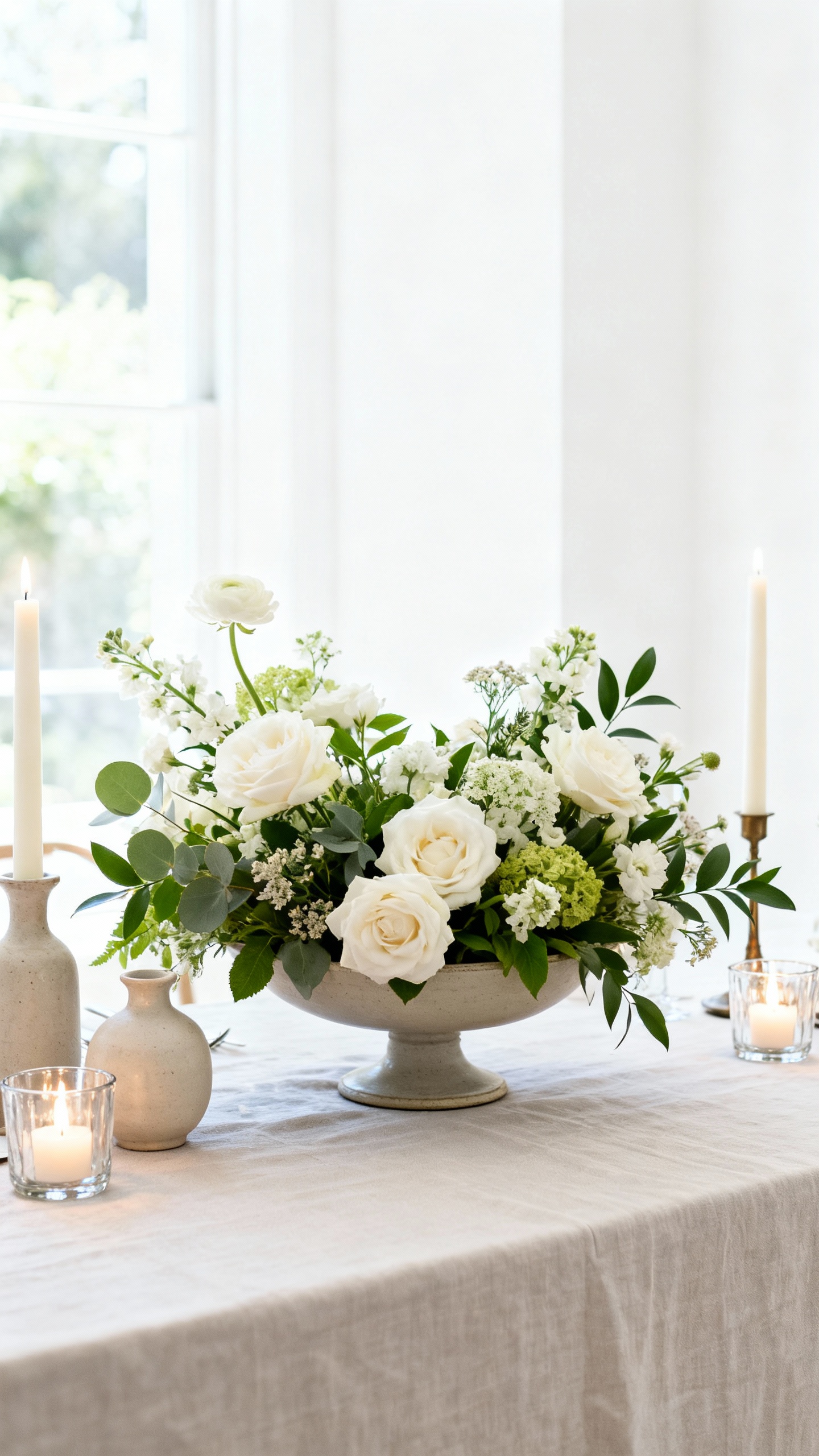
This is where your Pinterest board becomes real life—so keep it organized and not chaotic. Split your template into personal flowers, ceremony pieces, reception centerpieces, and any styling rentals. Real examples: bridal bouquet, bud vases, statement arch arrangement, candles, linens, signage, place cards, and day-of setup fees from a florist or stylist.
FAQ
What’s the easiest wedding budget template layout to copy?
Use a spreadsheet with columns for: Category, Line Item, Estimated Cost, Actual Cost, Paid To-Date, Balance, Due Date, and Notes. That way you can track what you’re spending and when it’s due, not just the total number.
How do I choose budget percentages without overthinking it?
Start with priorities, not “rules.” If photos matter most, shift more there and simplify decor. A practical starting point many couples use is: Venue/Rentals + Food/Beverage as the biggest combined chunk, then Photo/Video, Attire/Beauty, and Flowers/Decor—adjusted based on what you care about most.
What should I put in “miscellaneous” so I don’t get surprised later?
Keep “misc” for the truly random things: marriage license, vendor meals, postage, tips, extra batteries, cake stand rental, last-minute signage, and emergency fashion tape. If something repeats (like tips), give it its own line item so it doesn’t disappear.
How can I keep my wedding aesthetic elevated on a tighter budget?
Focus on high-impact areas guests actually notice: lighting, tabletop (linens/candles), and one statement moment (like a ceremony backdrop or bar display). Choose a tight color palette and repeat it everywhere—napkins, flowers, stationery, and attire accents—so it looks intentional even with fewer items.
When should I start tracking “actual costs” in my template?
Immediately—starting with deposits. The minute you pay a retainer, log it as “Paid To-Date,” add the due date for the remaining balance, and paste the contract link in Notes. It keeps you calm later when multiple final payments hit in the same month.